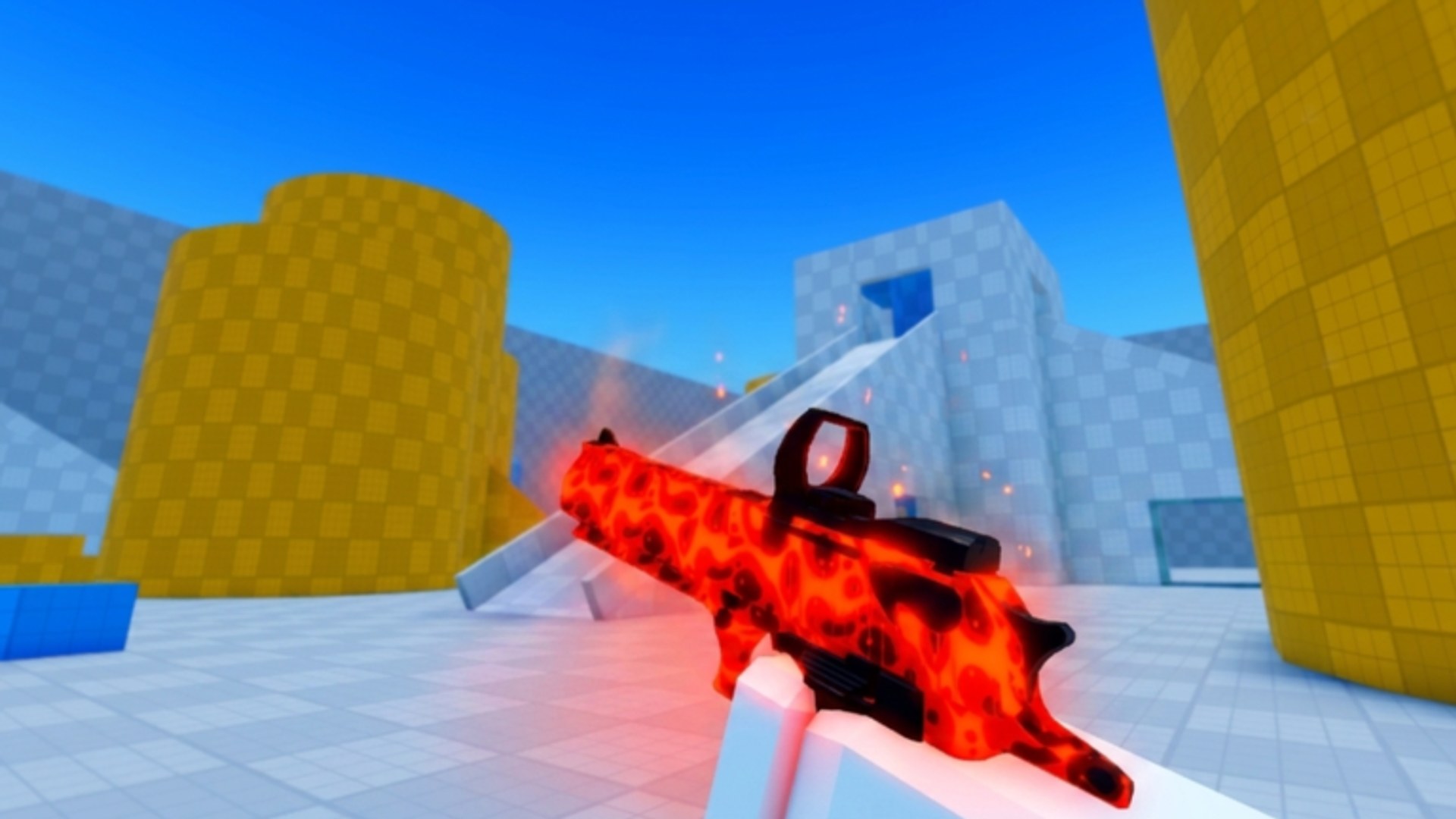
Deagle Arena lists its core controls directly on the official Roblox experience page. This cheatsheet consolidates those bindings for quick reference before ranked FFA sessions. Movement and aim consistency start here — pair this page with the Warmup Checklist and Playstyle Tier List once keys feel automatic.
Return to the Tools Hub for session routines. If bindings change after a patch, verify against the live Roblox description and Patch Notes.
PC controls (keyboard and mouse)
| Action | Binding |
|---|---|
| Shoot | M1 (left mouse button) |
| Aim | M2 (right mouse button) |
| Slide | C or Ctrl |
| Lobby / menu | M |
| Inspect weapon | F |
PC tips: Keep slide on the key your pinky reaches without leaving WASD — many players prefer C for proximity to spacebar jump habits in other Roblox titles. Aim down sights with M2 stabilizes mid-range Deagle shots; tap firing works at close range when slide cancels reset distance.
Standard Roblox camera movement uses mouse look while holding right click or the configured aim mode. Verify sensitivity in Roblox settings separately from in-experience UI.
Controller controls
| Action | Binding |
|---|---|
| Shoot | R2 (right trigger) |
| Aim | L2 (left trigger) |
| Slide | B (Xbox) / Circle (PlayStation) |
Controller tips: Aim assist curves are controlled by Roblox and the experience. Fight the urge to spam slide on the same stick pattern — Slider playstyles vary timing precisely because controller players magnetize to predictable arcs.
Use the official glyph names from the game page when discussing binds in Discord (discord.gg/deaglearena) so PlayStation and Xbox players map correctly.
Mobile controls (touch)
| Action | Binding |
|---|---|
| Move | Virtual joystick (Roblox default) |
| Shoot | On-screen shoot button |
| Aim | Hold shoot button to aim; release to fire |
Mobile tips: Hold-to-aim differs fundamentally from PC’s separate M1/M2. Practice pressure sensitivity — light hold pre-aims, full release commits the shot. Screen clutter matters; some ranked mobile players use minimal cosmetic skins from the Skin Tier List for clearer sight pictures.
Tablet players may attach controllers; bindings then match the controller table.
Combat flow — how bindings chain
- Spot target — audio or visual contact in FFA.
- Pre-aim head height — especially before peeking a slide lane.
- Aim — M2 / L2 hold / mobile hold phase.
- Shoot — M1 / R2 / release on mobile.
- Slide — disengage or wide peek after shot or between cover points.
Slide is the skill separator named in the official description (“master movement”). Missing slide timing while fumbling aim keys loses duels even with good crosshair placement.
Lobby and utility keys
M opens lobby or menu functions on PC — use between matches to adjust settings without leaving the experience entirely when supported.
F inspects your Deagle — useful for checking equipped skins without opening full inventory UI.
Mobile maps these to on-screen icons; positions can move after UI patches.
Platform switching warning
Rank grinders on the Ranking System page should minimize hopping PC → mobile mid-session. Sensitivity, aim mode, and slide finger differ enough to cause three-loss streaks while readjusting.
If you must switch devices, rerun five minutes of warmup from the checklist page before competitive play.
Controls vs rank and leaderboards
Bindings do not change stats. They change how reliably you execute the mechanics that rank and Leaderboards measure. Top players automate this table until slide and aim require no conscious thought.
Reporting control bugs
Wrong glyph, stuck aim, or slide failing to proc are valid reports through the official Roblox group or Discord linked on Official Links. The game description mentions rewards for verified bug reports.
Related guides
- Warmup Checklist — muscle memory drills for these bindings.
- Updates Hub — UI or input patches.
- Players Hub — progression after mechanics feel solid.
Deagle Arena released 2026-04-19 with all three input methods advertised. Keep this cheatsheet bookmarked — not memorized from outdated forum posts.
Frequently Asked Questions
Quick answers for Deagle Arena players.
Can I rebind slide on PC?
The official page lists C and Ctrl. Roblox-level key remaps may apply globally; in-experience remaps depend on developer settings — check in-game options after updates.
Why does mobile use hold-to-aim?
Touch screens lack separate mouse buttons. Holding the shoot control aims; releasing fires — per the official Roblox description.
What is the inspect key for?
F on PC shows your Deagle model — handy for viewing skins. It is not required for combat.
Do these controls match console Roblox?
Controller table matches the official listing (R2, L2, B/Circle). Xbox and PlayStation use their respective face buttons for slide.